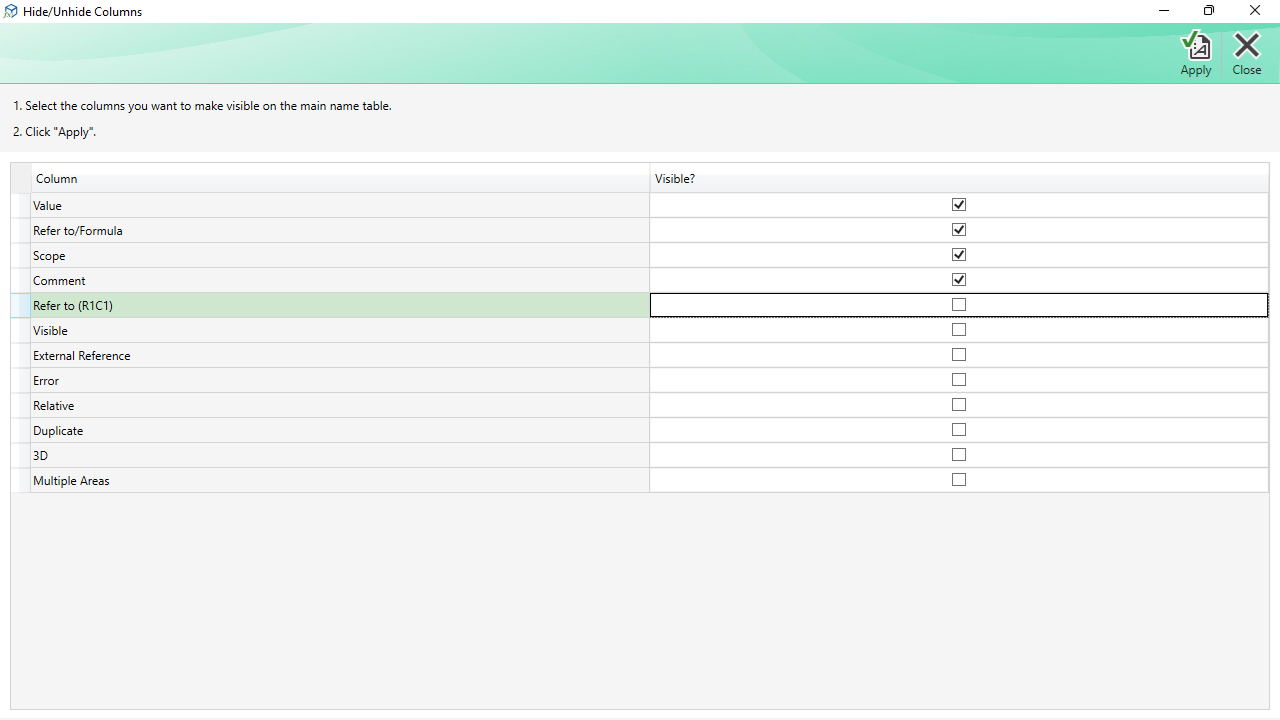
The Column Chooser window is a small auxiliary window opened from the Columns command in the Explorer window's menu bar. It lets you control which columns are visible in the Names and Formulas grid in the Explorer window.
How to Use It
- The grid in the Column Chooser lists all available columns with a visibility checkbox next to each one.
- Check the columns you want to show in the main Explorer grid.
- Click Apply to update the Explorer window immediately.
Commands
| Apply | Applies the column visibility choices to the Names and Formulas grid in the Explorer window. The column layout is saved and restored automatically in future sessions. |
|---|---|
| Close | Closes the Column Chooser without applying any changes. |
Note: Column width preferences are also saved. You can resize columns directly in the Explorer grid by dragging the column header borders, and those widths persist between sessions.
