Create Custom PDF Page Sizes Directly in Excel
This powerful spreadsheet conversion tool is a seamless Excel add-in that allows you to easily export diagrams and cell ranges into PDF format.
While the underlying document generation relies on the built-in Windows "Microsoft Print to PDF" virtual printer, our app steps in to automatically define a custom paper size before sending the work to the printer.
Stop Excel PDF Scaling and Distortion
Standard conversions often force large diagrams or wide tables to shrink to fit predefined paper sizes, leading to unreadable text and visual distortion.
PDF Creator for Excel prevents this by dynamically calculating the exact dimensions of your content and generating a custom paper size to match. The result is a crisp, high-quality PDF that preserves your layout perfectly.
See why scaling is bad.
How to Export Excel Ranges to PDF
Whether you need to capture an entire worksheet, a specific chart, or a defined print area, getting started is simple:
- Download and install the app from our subscription portal.
- Run the main app, "PDF Creator for Excel", at least once. You’ll need to subscribe to it to begin the free trial. The app installs the add-in for Excel automatically.
- Start Excel and open any file.
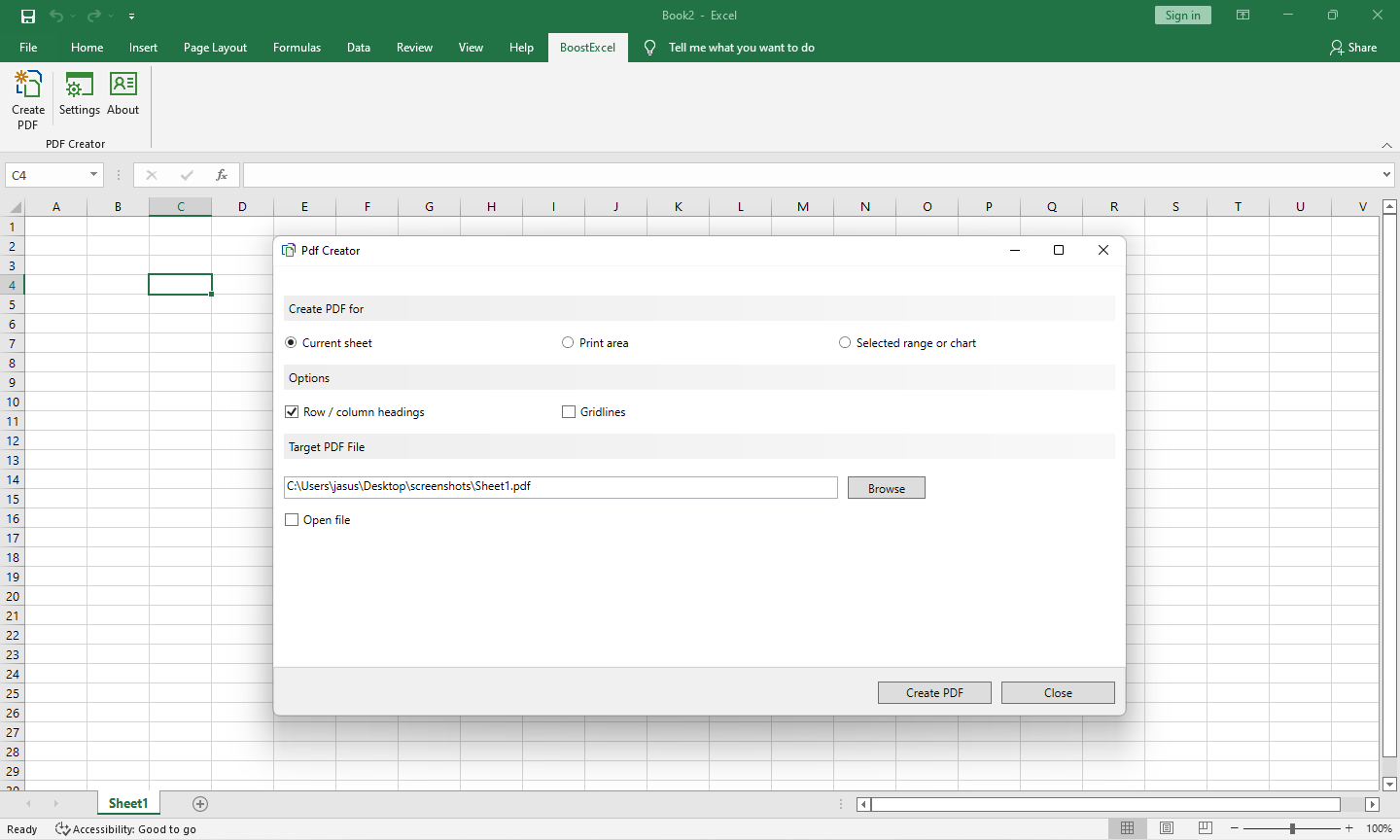
- Go to the "UniformSoftware" ribbon tab.
- Click "Create PDF".
Screenshots
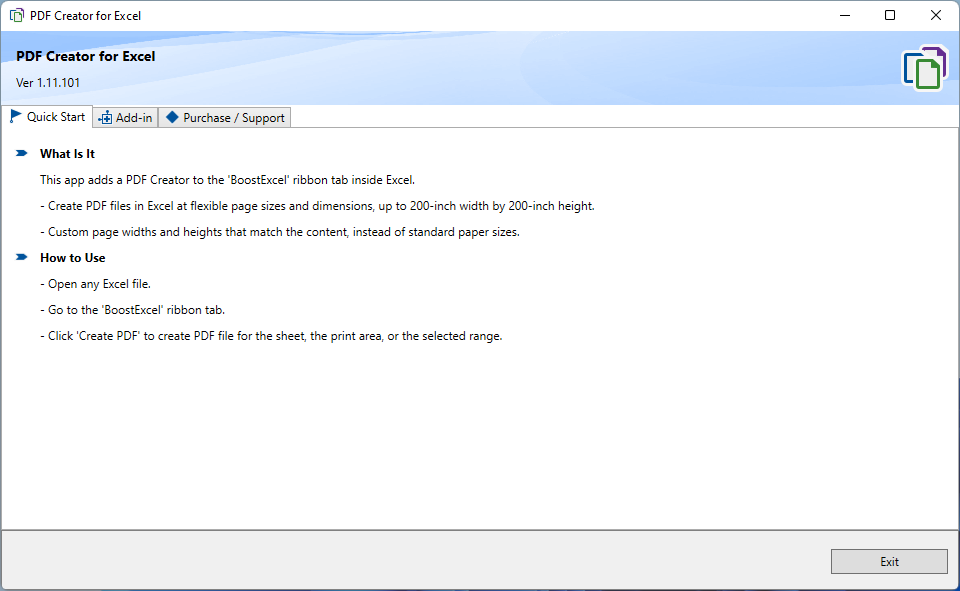
Once you have installed PDF Creator for Excel, run it. This is the first screen you see. The main app initializes the add-in and enables you to subscribe and begin your free trial. You only have to do this step once.
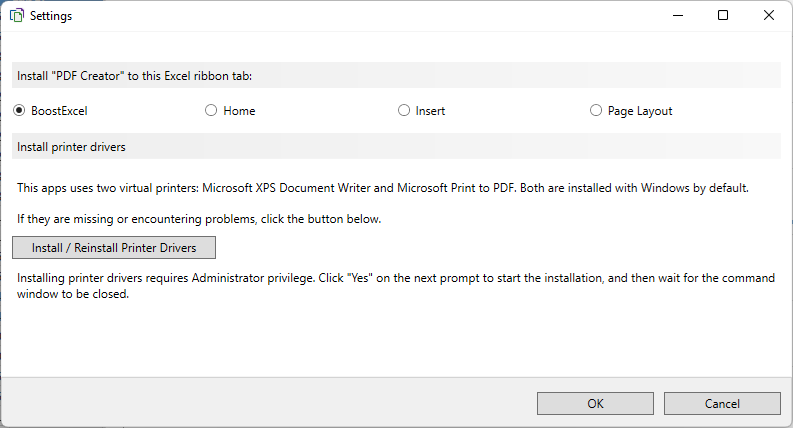
Using the Settings window, you can change the installation location of the ribbon command and install or reinstall the printer drivers for Microsoft Print to PDF and Microsoft XPS Document Writer.
PDF Samples
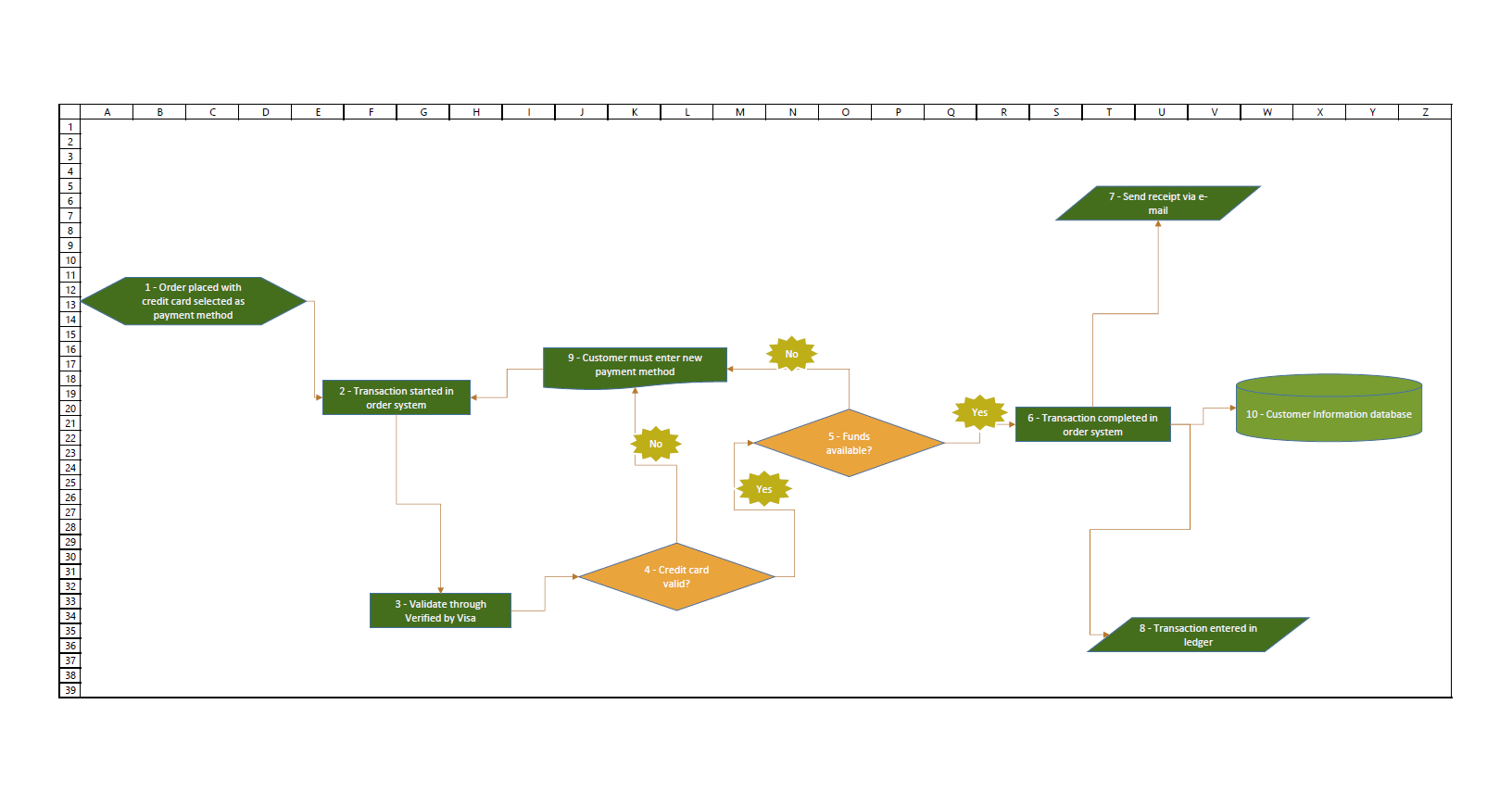
A flowchart created by our Flowchart Maker. The PDF maker always avoids scaling as much as possible. See why scaling is bad.
Page size: 18.73 x 10.23 inch.
Download Flowchart Sample (PDF).
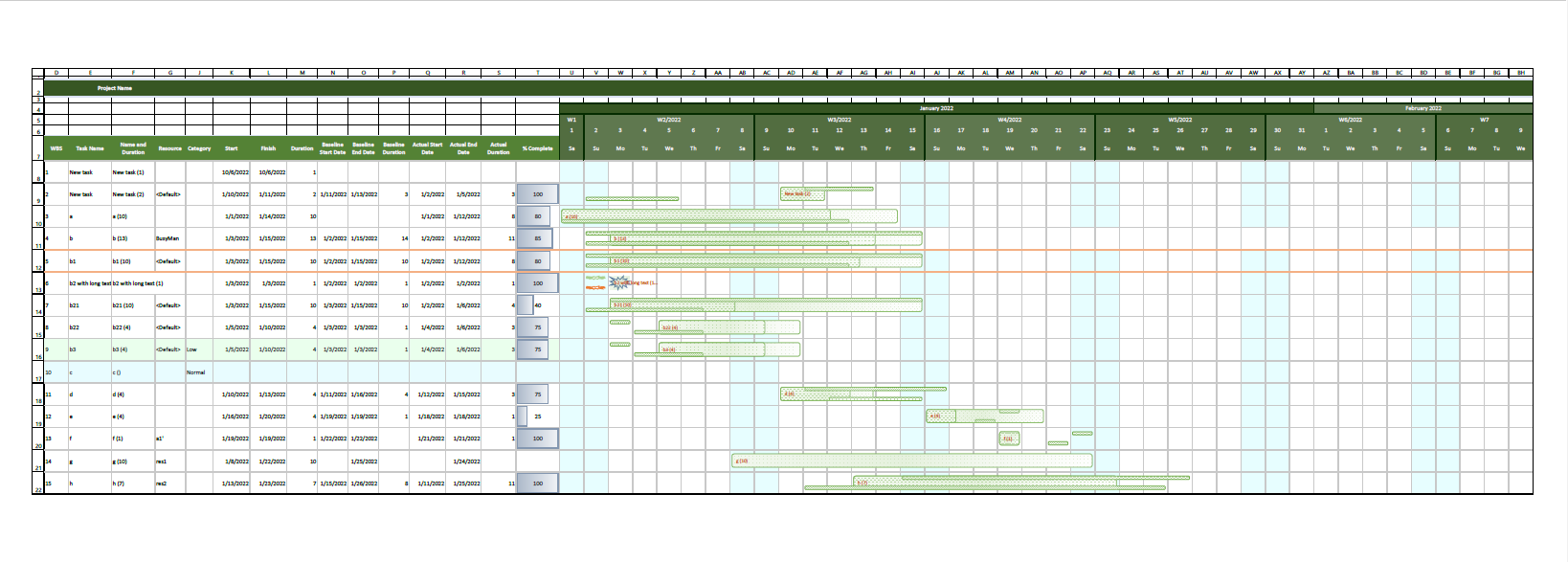
A Gantt chart. The PDF generator always defines a custom paper size according to the size of the content.
Page size: 35.82 x 12.84 inch.
Download Gantt Chart Sample (PDF).
Download and Subscribe
| Microsoft Marketplace |
|---|
Subscribe to PDF Creator from Microsoft Marketplace |
